


Build A Repeatable Custom Print Workflow

A custom printing business becomes easier to manage when every order follows a clear path. From receiving artwork to preparing files, printing, finishing, packing, and delivery, each step affects the final customer experience.
Procolored offers equipment for custom-print workflows such as DTF, UV DTF, UV flatbed, and DTG printing. These options can be useful for creators and small businesses that want to produce apparel, transfers, decals, hard-surface products, and personalized merchandise.
This guide focuses on building a practical workflow around the products you want to sell, testing your process before taking larger orders, and choosing equipment that fits your workspace and business stage.
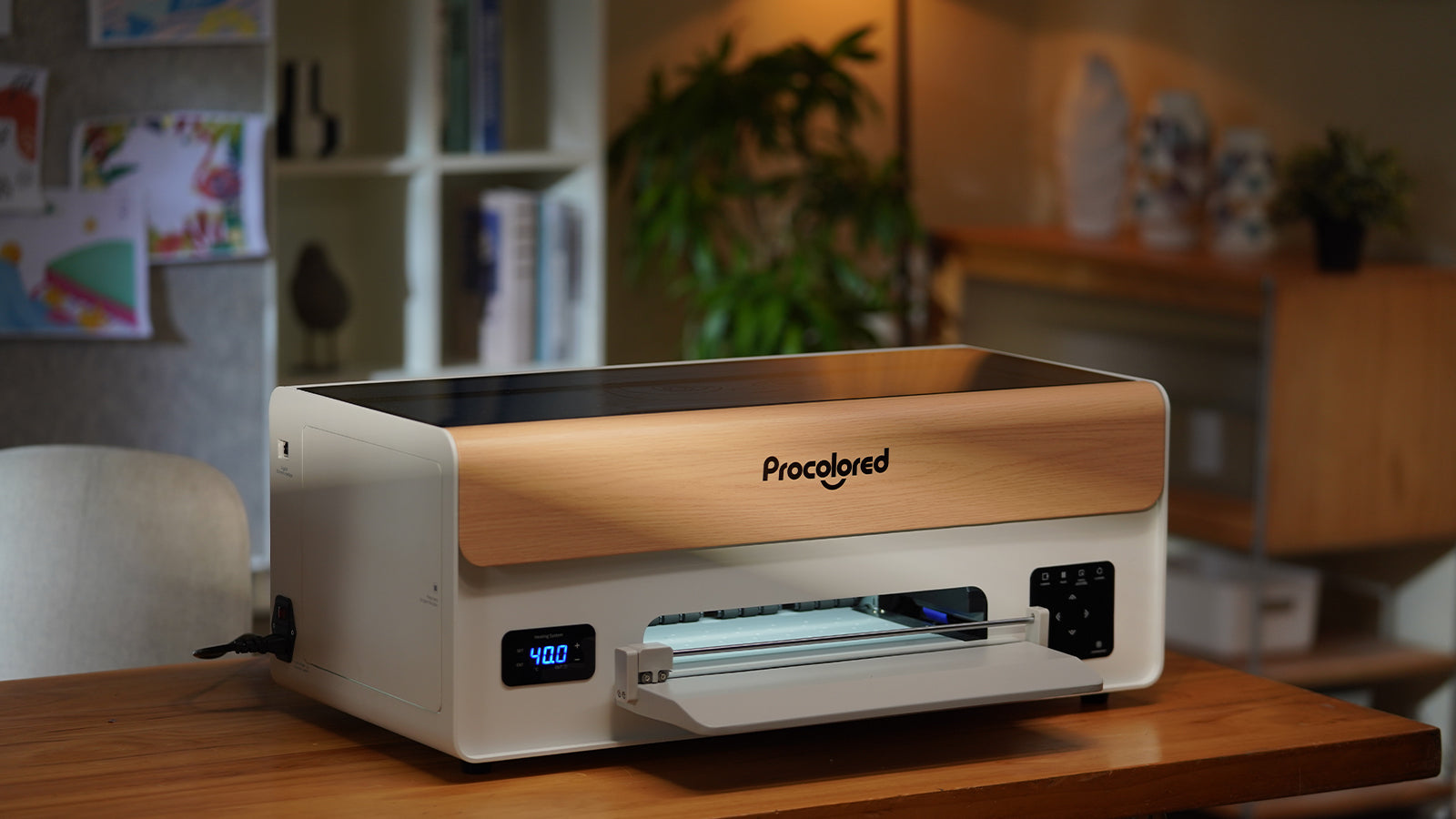
Choose a Focused First Product Line
A new printing setup can create many possibilities, but too many product categories can make the first months harder than necessary. It is often better to choose a small product line, learn the workflow, and expand only after the process feels reliable.
For example, you might begin with custom T-shirts, heat-transfer prints, labels, gift items, or decals. Each option has different materials, production steps, finishing needs, and customer expectations.
- Choose apparel if you want to create shirts, hoodies, tote bags, or fabric products.
- Choose transfers if you want flexible production for apparel or client jobs.
- Choose hard-surface personalization for items such as packaging, acrylic pieces, cases, or small gifts.
- Choose decals or labels if your audience needs branding, packaging, or promotional materials.
- Choose a niche product line if you already know your customers well.
A narrow first offer can make it easier to test quality, calculate production time, and understand what customers are most likely to order.
Match the Printing Method to the Product
Different print methods serve different types of products. The right workflow should support the materials you expect to use most often instead of forcing every item through the same process.
| Workflow | Possible product focus | Planning questions |
|---|---|---|
| DTF printing | Apparel transfers and selected fabric items. | How will you print, cure, store, press, and quality-check transfers? |
| UV DTF printing | Decals and transfers for selected hard, smooth surfaces. | Which product blanks will you test, and how will you apply transfers consistently? |
| UV flatbed printing | Direct printing on selected flat or rigid products. | What sizes, materials, and product shapes will fit your workspace and machine setup? |
| DTG printing | Direct garment printing for apparel-focused work. | What garment types, preparation steps, and finishing process will you need? |
Do not choose only based on the finished look in a product video. Consider the entire production path, including file preparation, material handling, maintenance, quality checks, and packing.
Test Designs Before You Sell Them
A strong product listing starts with a reliable sample. Before taking customer orders, test your artwork on the actual material, color, size, and surface you plan to sell.
Small changes in artwork can affect the result. Fine text, thin lines, large solid-color areas, transparent details, and low-resolution images may all need extra attention before production.
- Prepare artwork at an appropriate size for the final product.
- Check text, lines, and small details at full scale.
- Print a sample using the same material you plan to offer customers.
- Inspect color, sharpness, placement, and edge quality.
- Test the finished product through normal handling or use.
- Record the settings and steps that produced the best result.
- Keep approved samples for future quality comparison.
Creating a repeatable sample process can reduce expensive mistakes later, especially when a customer places a larger order or needs a reprint.
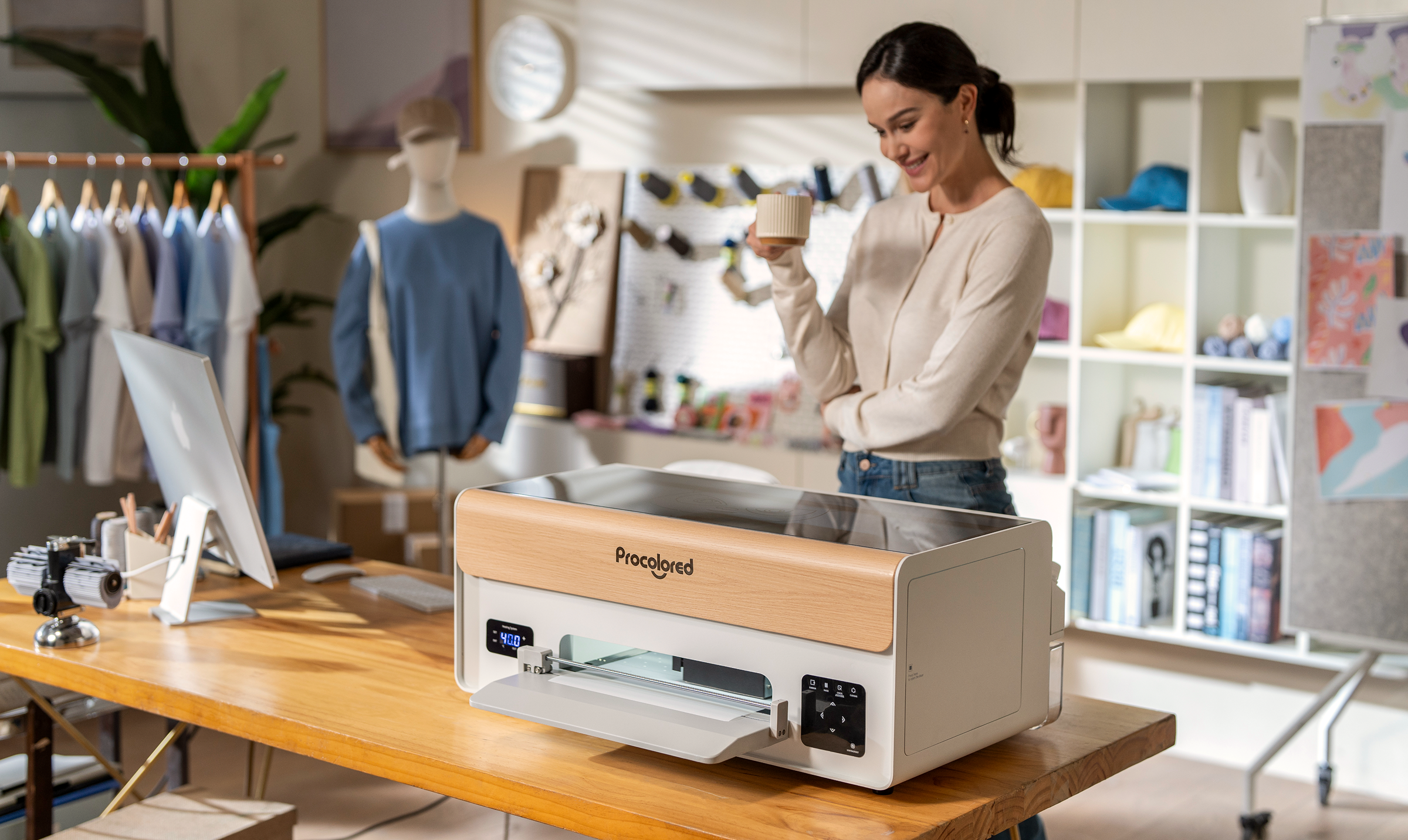
Set Up a Workspace You Can Maintain
A printing workspace should support the full job, not only the printer. You need room to prepare files, load materials, print, finish products, inspect quality, pack orders, and store supplies safely.
Keep the setup organized enough that you can repeat the same process without searching for tools or moving unfinished work from one area to another.
- Create separate areas for design work, printing, finishing, and packing.
- Keep frequently used materials close to the machine but stored according to product instructions.
- Leave enough clearance around equipment for loading, cleaning, and routine maintenance.
- Use stable surfaces for heat-related tools and finishing equipment.
- Follow manufacturer guidance for ventilation, electrical use, cleaning, and protective equipment.
- Keep food, drinks, pets, children, and unrelated items away from the production area.
- Store approved samples, spare supplies, and packaging materials in labeled sections.
A clean, repeatable workspace can improve consistency and make it easier to identify where a problem started when a print does not turn out as expected.
Price for the Full Job, Not Just the Print
Custom product pricing should account for more than ink, film, or the product blank. A profitable workflow includes the time and materials required to prepare, print, finish, inspect, package, and communicate with customers.
| Cost area | Why it matters | What to track |
|---|---|---|
| Blank product | The base item affects both quality and margin. | Product cost, sizing options, defects, and stock availability. |
| Printing supplies | Supplies are used across every order. | Consumables, cleaning materials, replacement items, and waste. |
| Labor time | Each order takes time beyond the print itself. | Design setup, printing, finishing, packing, and customer communication. |
| Packaging | Presentation and protection affect delivery quality. | Mailers, boxes, inserts, labels, and protective materials. |
| Equipment upkeep | Machines need regular attention to stay reliable. | Cleaning, maintenance supplies, downtime, and replacement planning. |
Tracking these details from the beginning can help you avoid underpricing custom work simply because the visible print step looks quick.
Launch With a Small Test Collection
You do not need a huge catalog to begin. A small, clear collection can help you test demand while keeping production manageable.
Start with a few designs, a limited set of product blanks, and a process you can reproduce confidently. This gives you room to learn from customer questions and improve your workflow before expanding.
- Offer a small number of designs at launch.
- Use product photos based on real finished samples.
- Write clear descriptions for size, material, customization, and processing details.
- Set realistic production and shipping expectations.
- Test packaging before sending paid customer orders.
- Create a simple quality-control check before every shipment.
- Collect feedback to learn which products are worth expanding.
Small launches can reveal what customers actually want without forcing you to manage too many variables at the same time.

A Practical Procolored Setup Checklist
Use this checklist before choosing a Procolored system or launching a new custom-product workflow.
- Choose the first product category you want to sell.
- Match the product category to a suitable printing workflow.
- Plan the complete process from artwork to finished shipment.
- Prepare a safe and organized workspace before equipment arrives.
- Create sample products using the actual materials you will sell.
- Document your best settings, production steps, and quality checks.
- Calculate materials, labor, packaging, and maintenance before setting prices.
- Review current specifications, support, warranty, shipping, and return information before checkout.
A clear process can make a custom printing setup feel less overwhelming and help you focus on delivering products that look consistent from one order to the next.
Final Thoughts
Procolored can be useful for creators and small businesses building a custom-print workflow around apparel, transfers, decals, or personalized hard-surface products.
The best equipment choice is the one that supports a product line you can produce consistently. Start with a focused offer, test every step carefully, and expand only after your workflow is stable.
Use Procolored to compare custom printing systems and review current product details before choosing a setup.
FAQ
What is Procolored used for?
Procolored offers equipment for custom-print workflows such as DTF, UV DTF, UV flatbed, and DTG printing, depending on the products you want to create.
Should I start with several product categories?
It is usually easier to begin with one focused product category, test your workflow, and expand after you can produce consistent results.
Why should I create samples before selling?
Samples help you test artwork, materials, finishing steps, quality, and production time before you promise the same result to customers.
What should I include in custom product pricing?
Include the blank product, printing supplies, labor, packaging, maintenance, waste, and any other costs needed to complete and deliver the order.
What should I prepare before buying a printer?
Prepare a product plan, workspace layout, supply list, safety approach, sample workflow, and a realistic understanding of production and maintenance needs.
We only recommend tools we've tested and trust. This post may include affiliate links, meaning we may earn a commission if you choose to purchase - at no extra cost to you.


